Your entire workload — on one screen
Project progress, approaching deadlines, overloaded days — the dashboard collects everything in one summary so you don't have to keep it in your head.
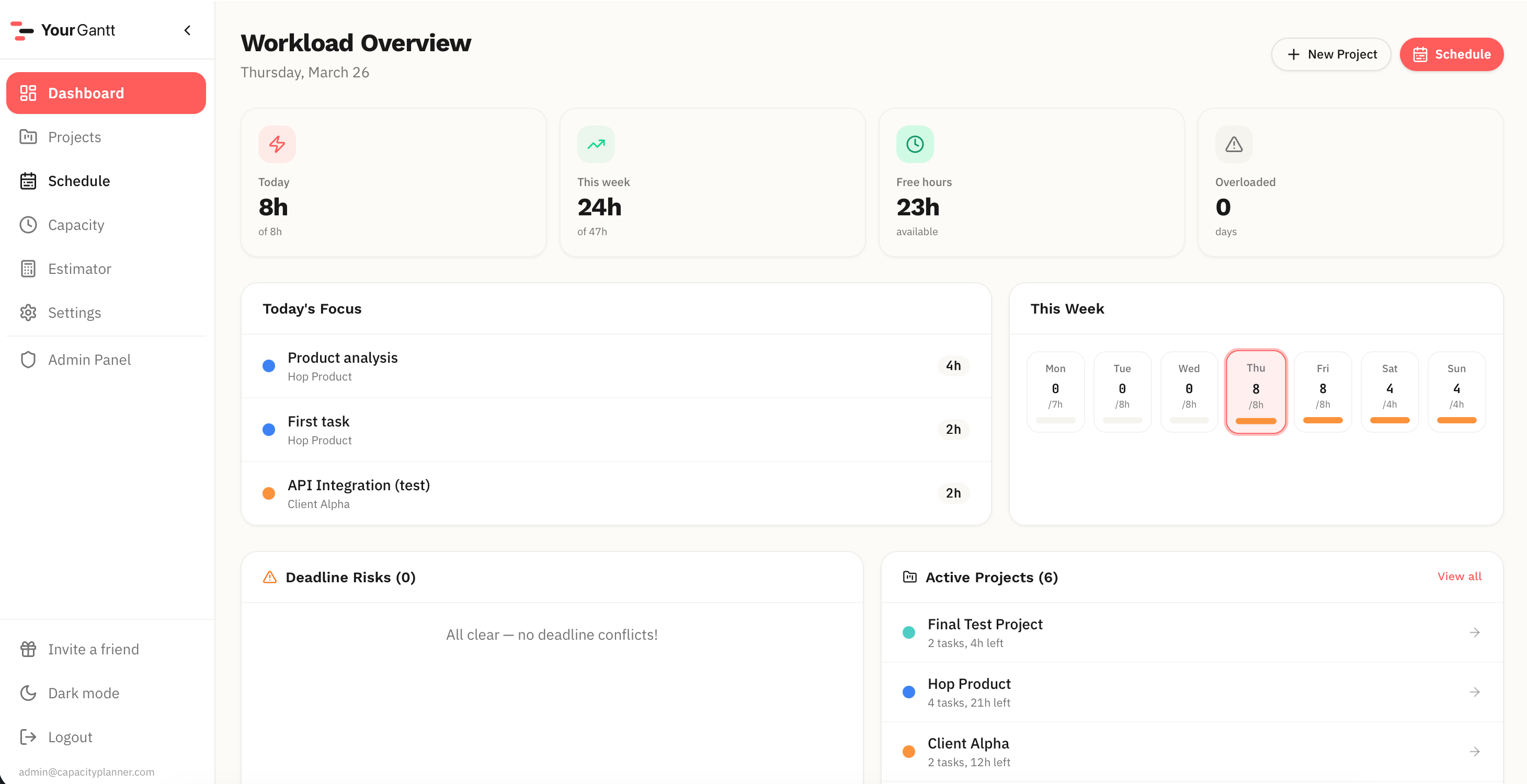
What the dashboard shows
Progress on each project, tasks at risk of missing deadlines, overloaded days and free slots. One glance is enough to understand your current workload.
See problems before they become failures
Overloads are highlighted in red, at-risk deadlines in orange. You see problems before they become missed deadlines.
FAQ
Does the dashboard update automatically?
Yes. Data refreshes every time you open the page based on your current schedule.
Can I customize what's shown?
The dashboard shows key metrics automatically. Project filtering will be added in future updates.
What else YourGantt can do
Auto-scheduling is just the start. Here's what else is included.
Gantt Chart
Interactive schedule: drag tasks, resize durations, see daily workload at a glance.
New Project Estimator
Check how a new project affects your schedule before committing to a deadline.
Even / Greedy Modes
Spread work evenly or focus on urgent — switch scheduling modes in one click.
Priority Overtime
Set allowed overtime for important projects — the system accounts for it automatically.
Project Priorities
Raise priority — and the plan restructures. The important project gets more work time automatically.
Can I take one more?
Check if a new project fits your schedule before committing to the client.
Overload Control
Overloaded days are highlighted instantly. See problems before they become missed deadlines.
Stop guessing deadlines
Lay out your tasks, check the impact of a new project, and see your work week before it falls apart.