Choose how to build your work week
When you need rhythm — spread the load evenly. When a deadline is burning — pull the important work forward.
Same tasks — different results
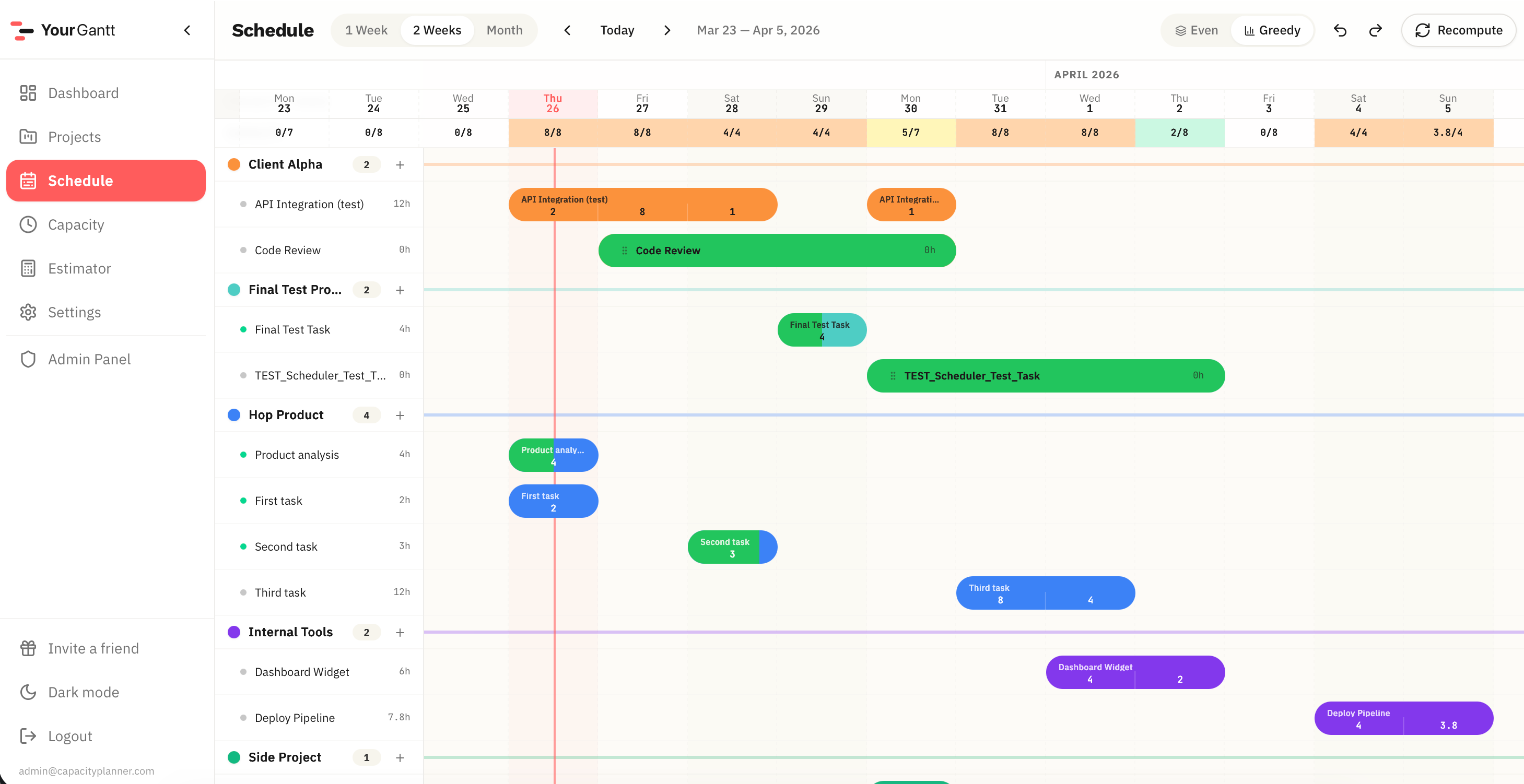
The same tasks can be distributed differently. Even spreads work evenly. Greedy pushes urgent tasks forward, automatically shifting lower priority ones.
Even — steady pace
For parallel work on multiple projects without sharp overloads. Hours are spread evenly across each task's duration.
Greedy — focus on what matters
For aggressively pushing urgent work toward the nearest deadline. The system automatically resolves overloads by priority.
When to use which mode?
Even
Greedy
Switch in one click
Changing modes instantly recomputes the entire schedule. All your tasks stay — only the distribution method changes.
FAQ
Can I switch between modes?
Yes, one-click switch. The schedule recomputes instantly. All tasks are preserved.
Will Greedy delete my tasks?
No. Greedy redistributes hours, not tasks. Lower priority tasks shift to available days.
Which mode is free?
Even is available on the free plan. Greedy is a Pro feature.
What else YourGantt can do
Auto-scheduling is just the start. Here's what else is included.
Gantt Chart
Interactive schedule: drag tasks, resize durations, see daily workload at a glance.
Workload Dashboard
All projects at once: progress, deadlines, overloads — on a single screen.
New Project Estimator
Check how a new project affects your schedule before committing to a deadline.
Priority Overtime
Set allowed overtime for important projects — the system accounts for it automatically.
Project Priorities
Raise priority — and the plan restructures. The important project gets more work time automatically.
Can I take one more?
Check if a new project fits your schedule before committing to the client.
Overload Control
Overloaded days are highlighted instantly. See problems before they become missed deadlines.
Stop guessing deadlines
Lay out your tasks, check the impact of a new project, and see your work week before it falls apart.